How do I install it?
You get a download and a license key right after checkout. Loading it into Chrome takes about a minute and the steps are included. A Chrome Web Store version is on the way, and subscribers get it at no extra cost.
What do I have to set up?
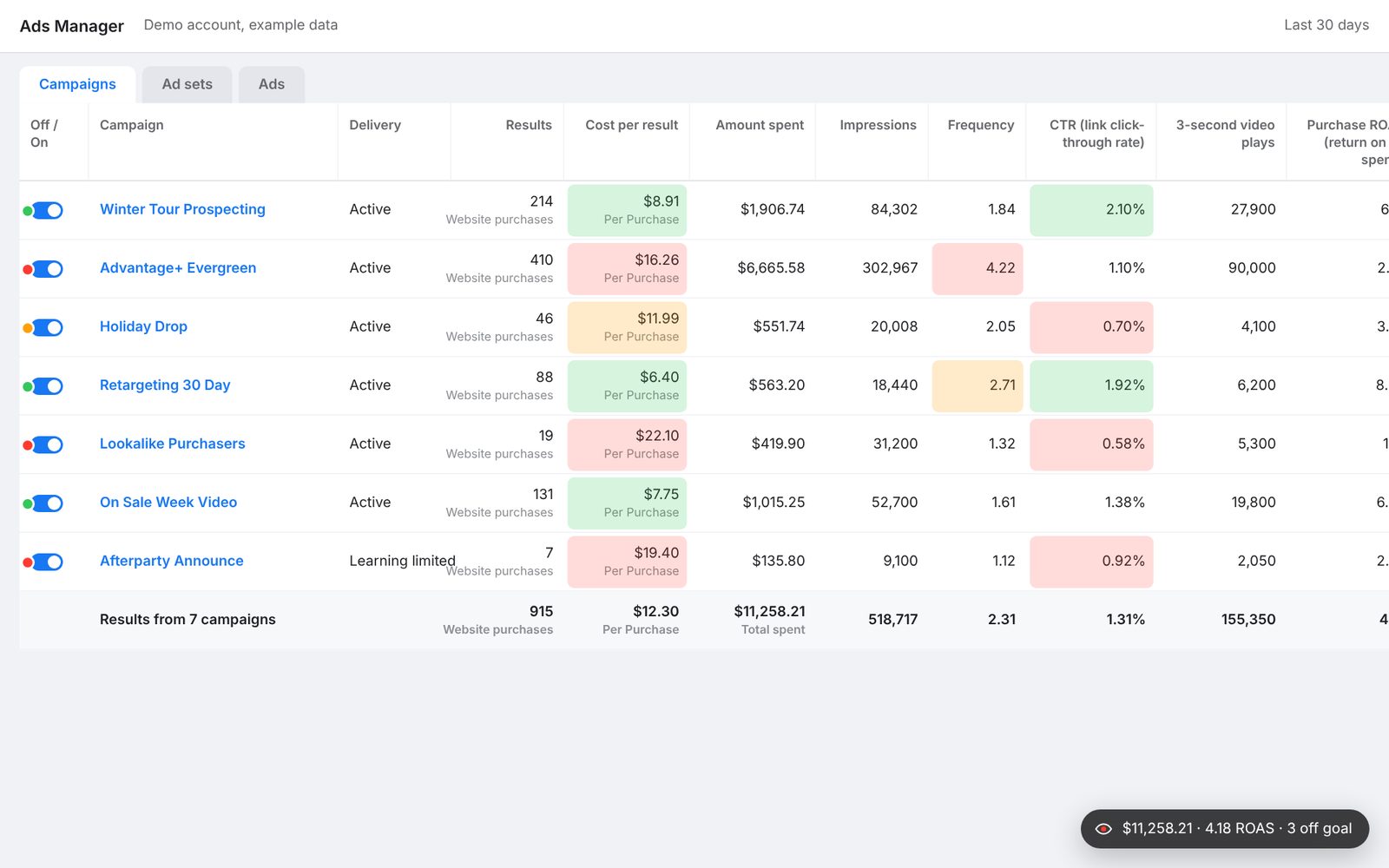
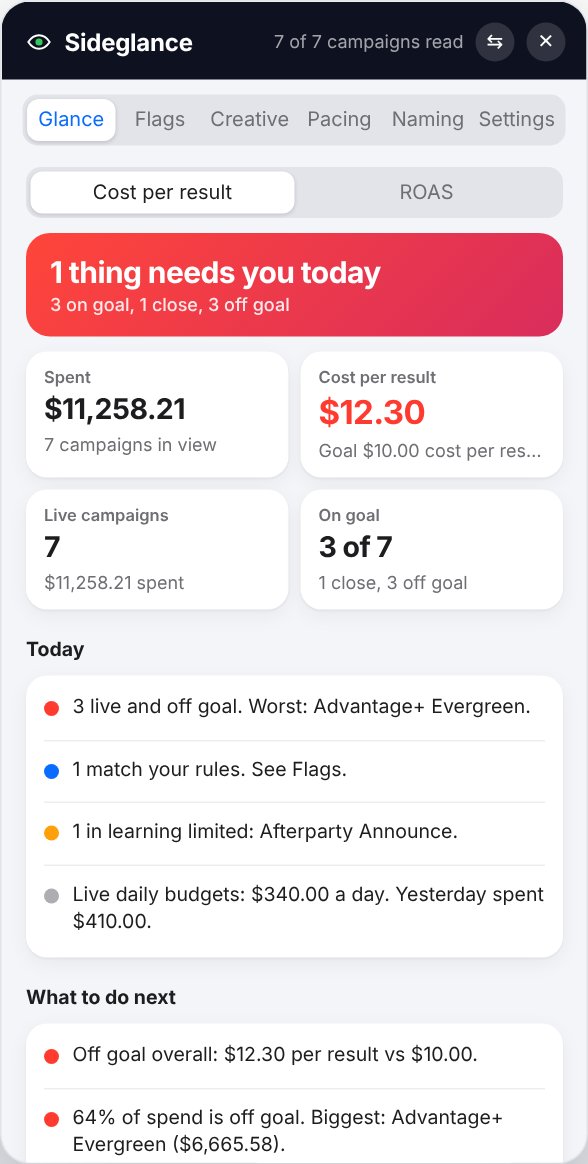
Set your target cost per result or ROAS, then scroll the Ads Manager table all the way down and all the way to the right once so everything loads. Sideglance also shows you which columns to save as a view so the important ones are always up front.
Can it break anything in my account?
No. It only reads the page. It never clicks, edits or pauses anything for you.
Does it work across client accounts?
Yes. It works on any ad account you can open in Ads Manager, and each account keeps its own goal, notes and pacing plans.
Is it a subscription?
No. The Black Friday launch price is one payment of $20. There is nothing to cancel and nothing renews.
Is it AI?
No. It works from the goal and rules you set, so the reason behind every flag is on screen. If you want a second opinion, one button copies a brief with your numbers that you can paste into ChatGPT or Claude.
Why is scroll stop rate showing n/a?
Scroll stop rate is 3-second video plays divided by impressions. Add both columns to your view and it fills in. Image ads have no video plays, so they stay n/a.